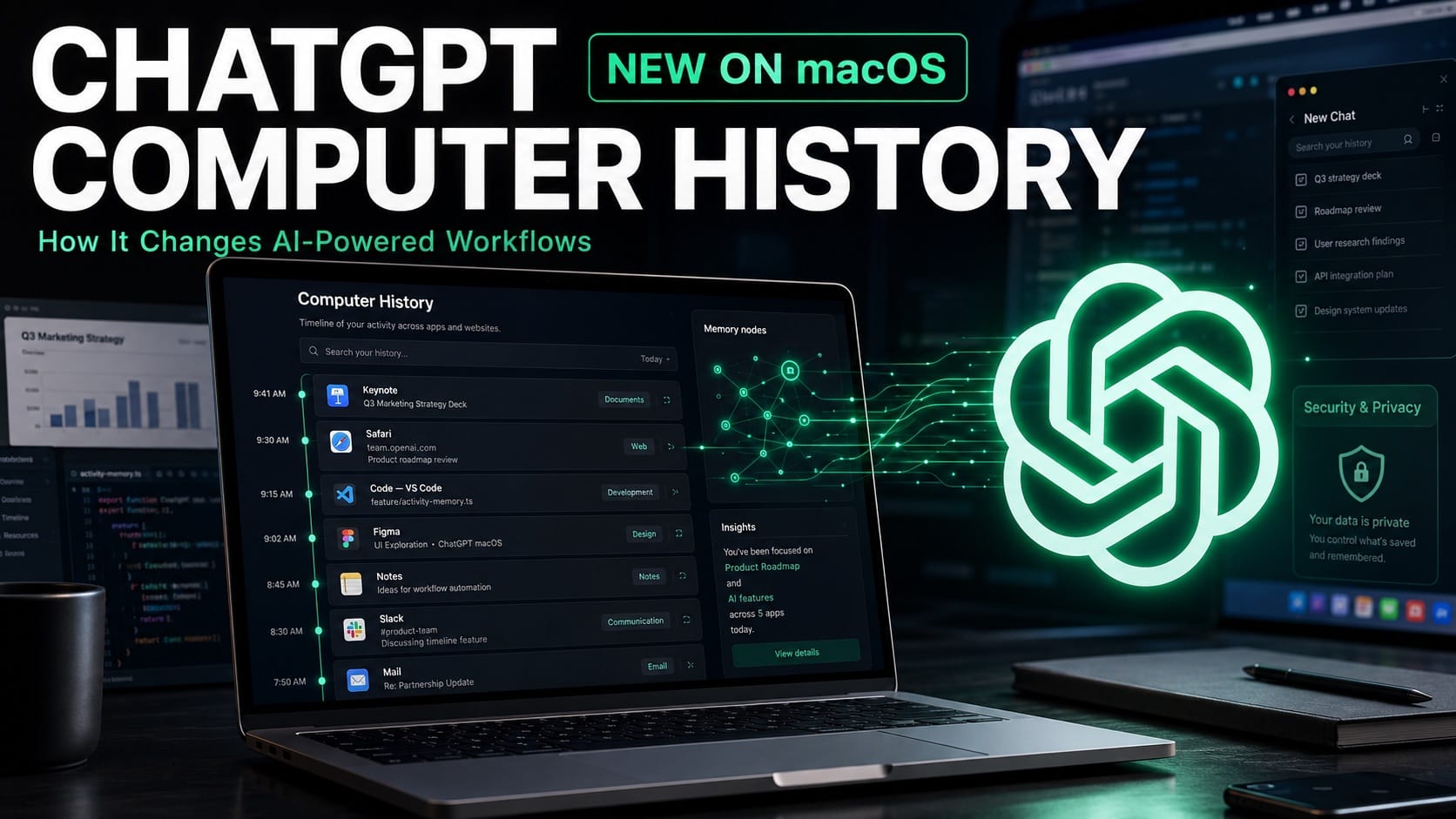
OpenAI is expanding how ChatGPT understands work performed outside the chatbot with Computer History, a new opt-in feature for the ChatGPT desktop app on macOS. Launched on August 13, 2026, the feature creates a searchable timeline and memories from activity across approved apps and websites, giving ChatGPT and Codex more context about what a user has been doing on a Mac.
The launch moves ChatGPT closer to becoming a persistent desktop assistant rather than a tool that depends on users repeatedly explaining what they were working on. For professionals and businesses in the United States, Computer History could make AI-assisted workflows faster, but its deeper access to computer activity also introduces important privacy and security considerations.
| Feature | Computer History creates memories and a timeline from selected Mac activity. |
| Availability | Available for ChatGPT Pro, Business, and Enterprise users on macOS. |
| Collection | Records interaction events rather than screenshots or screen recordings. |
| Controls | Users can choose sources, pause collection, review history, and delete items. |
| Business access | Business and Enterprise administrators must enable access before users opt in. |
How Computer History works on macOS
Computer History monitors activity only after a user explicitly enables it. According to OpenAI’s Computer History documentation, the system can collect interaction events including clicks, typing, keyboard shortcuts, app switches, and other context provided through macOS accessibility features.
OpenAI says the feature does not capture screenshots, screen recordings, microphone input, or system audio. Private browsing activity is also excluded. Users can decide which applications and websites contribute to Computer History, including options to allow only selected sources or exclude specific apps and sites.
ChatGPT periodically converts those interaction events into text summaries and local memory files. The resulting timeline can help users find recent documents, reconstruct what they were doing before a break, summarize completed work, or identify repeated processes that could become reusable skills or automations.
Computer History replaces OpenAI’s Chronicle experiment
The feature replaces Chronicle, an earlier research preview that used screenshots to understand computer activity. Computer History is described as a rebuilt system rather than simply a renamed version of Chronicle, with interaction events replacing continuous visual capture.
That technical shift is significant because persistent screenshot collection has already become a sensitive issue in desktop AI. By relying on structured interaction data instead, OpenAI is attempting to provide useful historical context while reducing the amount of visual information collected from a user’s screen.
The official ChatGPT and Codex changelog confirms that Computer History is initially available to ChatGPT Pro, Business, and Enterprise users. Business and Enterprise administrators must first grant workspace access, and individual employees still have to opt in themselves.
Also Read: Meta Launches Muse Code AI Coding Agent for Complex Software Development – Inside Its Latest AI Push
Privacy controls remain central to the feature
Computer History keeps temporary interaction event files on the Mac for up to 48 hours. OpenAI processes those events on its servers to generate memories and says the temporary event files are not retained after processing, except where legally required, and are not used for model training.
The generated memories are stored locally as plain-text Markdown files until the user deletes them. OpenAI notes that Computer History does not separately encrypt those memory files, meaning organizations using the feature may need to consider existing Mac account security, device management, and application permissions when developing internal policies.
Users can review timeline entries, delete individual memories, or clear activity from recent periods or entirely. Computer History can also be paused from the macOS menu bar, providing a practical option when employees move between routine work and more sensitive tasks.
Security risks could shape enterprise adoption
One of the more important limitations is prompt injection. Because ChatGPT and Codex can receive context originating from websites and applications, malicious instructions embedded in content could potentially influence AI behavior. OpenAI explicitly identifies Computer History as increasing prompt injection risk.
The company also advises users to disable Computer History during communications with other people unless prior express consent has been obtained. Apps containing sensitive health, financial, personal, or confidential business information may also be better excluded from collection entirely.



Why Computer History matters for AI productivity
For business users, the larger opportunity is continuity. AI assistants typically lose valuable context when work happens across browsers, messaging platforms, documents, development tools, and other applications. Computer History gives ChatGPT a mechanism for connecting those fragmented activities without requiring users to manually reconstruct their workflow in every conversation.
That could make Codex and ChatGPT more useful for recurring professional tasks, particularly when a workflow involves multiple applications. A timeline that recognizes repeated patterns can also become a foundation for suggested skills and scheduled automations, shifting the desktop assistant from answering requests toward identifying work that can be delegated.
Computer History therefore represents more than another ChatGPT memory feature. It shows OpenAI pushing deeper into the operating system layer, where AI can understand not only what users ask, but also the work surrounding those requests. Its business value will depend on whether that added context produces meaningful productivity gains while giving organizations enough control over sensitive desktop activity.